Kineviz now connects to Amazon Neptune
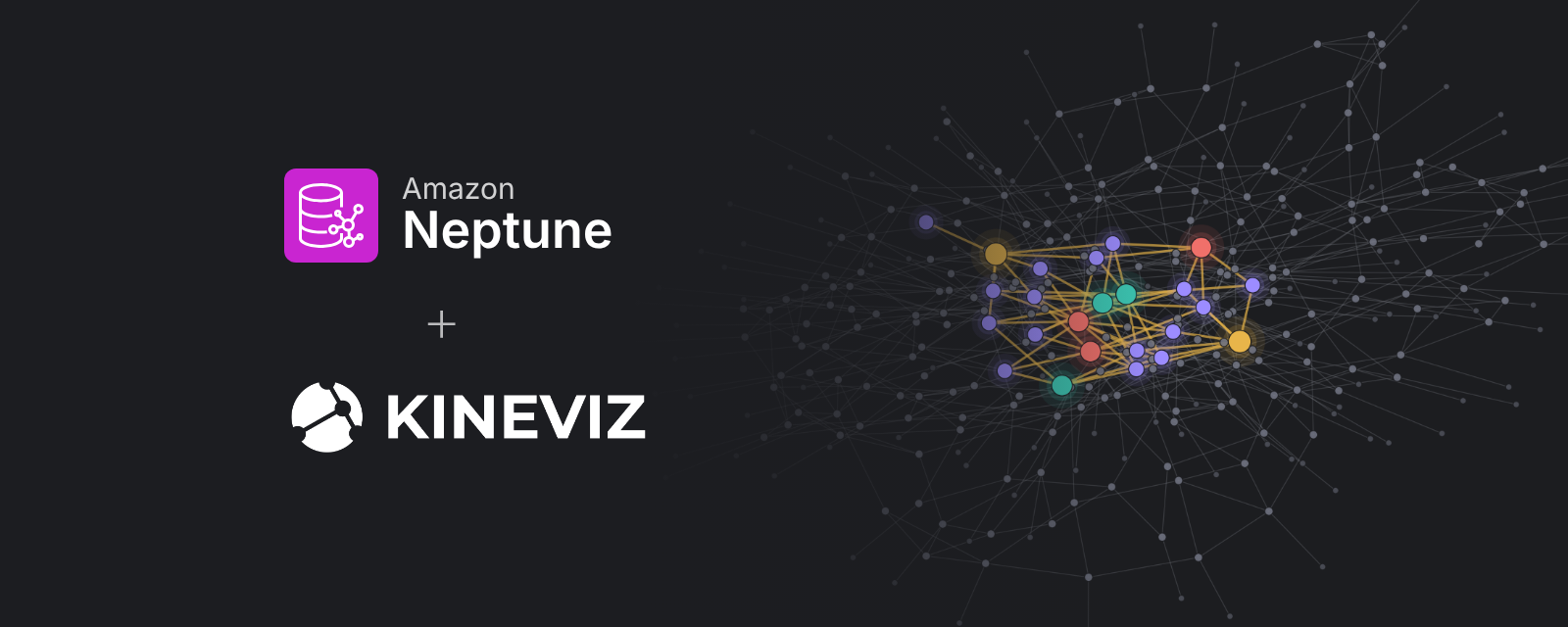
Kineviz (formerly known as GraphXR) now connects directly to Amazon Neptune Database. Point it at your cluster, pull in the part of the graph you care about, and work through it on a canvas your whole team can see.
Seeing what’s in Neptune
Neptune is built to store and query large, densely connected datasets. Seeing those connections takes other tools. The teams we talk to mostly use query results and notebooks, or a front end someone had to build and now has to maintain.
That works for the engineer who wrote the query. It’s harder for the analyst chasing a fraud ring and for the manager who has to sign off on what the analyst found. In Kineviz, the engineer, the analyst and the manager work with the same data, each from their own point of view.
What you can do with Neptune data in Kineviz
Results from Neptune are loaded into memory as an interactive graph. Click a node to pull its neighbors from Neptune, filter and regroup by any property, and trace the path between two accounts that shouldn’t be connected.
Graph algorithms run with a click and help you find the story in the data. Community detection finds the clusters, centrality shows which nodes everything routes through, and shortest path shows how two entities connect.
Build a dashboard for the business users who want the numbers at a glance, or turn the findings into a report someone outside the team can follow. Notebooks keep your queries and notes next to the graph, so the next person can follow your steps.
Getting connected
Connect to Neptune Database from Kineviz Cloud, or from Kineviz Desktop on macOS, Windows or Linux. An analyst can start exploring without waiting on a deployment project.
Neptune connections use openCypher by default. Gremlin connections for Neptune Database, signed with AWS IAM, are available as of Kineviz 3.36.
Running Kineviz inside your AWS account
Most teams need their data to stay inside their own boundary, so Kineviz Enterprise is self-hosted in the same AWS virtual private cloud (VPC) as your Neptune cluster, with single sign-on, role-based access control and audit logging.
What your team can find
Fraud and anti-money-laundering teams get the whole ring in one view. Each transaction can look legitimate on its own row. On the canvas, the phone numbers, devices and addresses those accounts share are in plain sight.
Investigators can bring other sources, such as open-source intelligence, in beside their Neptune data. Teams building knowledge graphs for generative AI can look at what entities and relationships the graph holds before a model starts reasoning over it.
Try it on your Neptune data
Launch Kineviz Cloud or download Kineviz Desktop to get started today. If you’d rather see it first, book 30 minutes with us and we’ll walk through it on your data.