
Meet GraphXR Agent
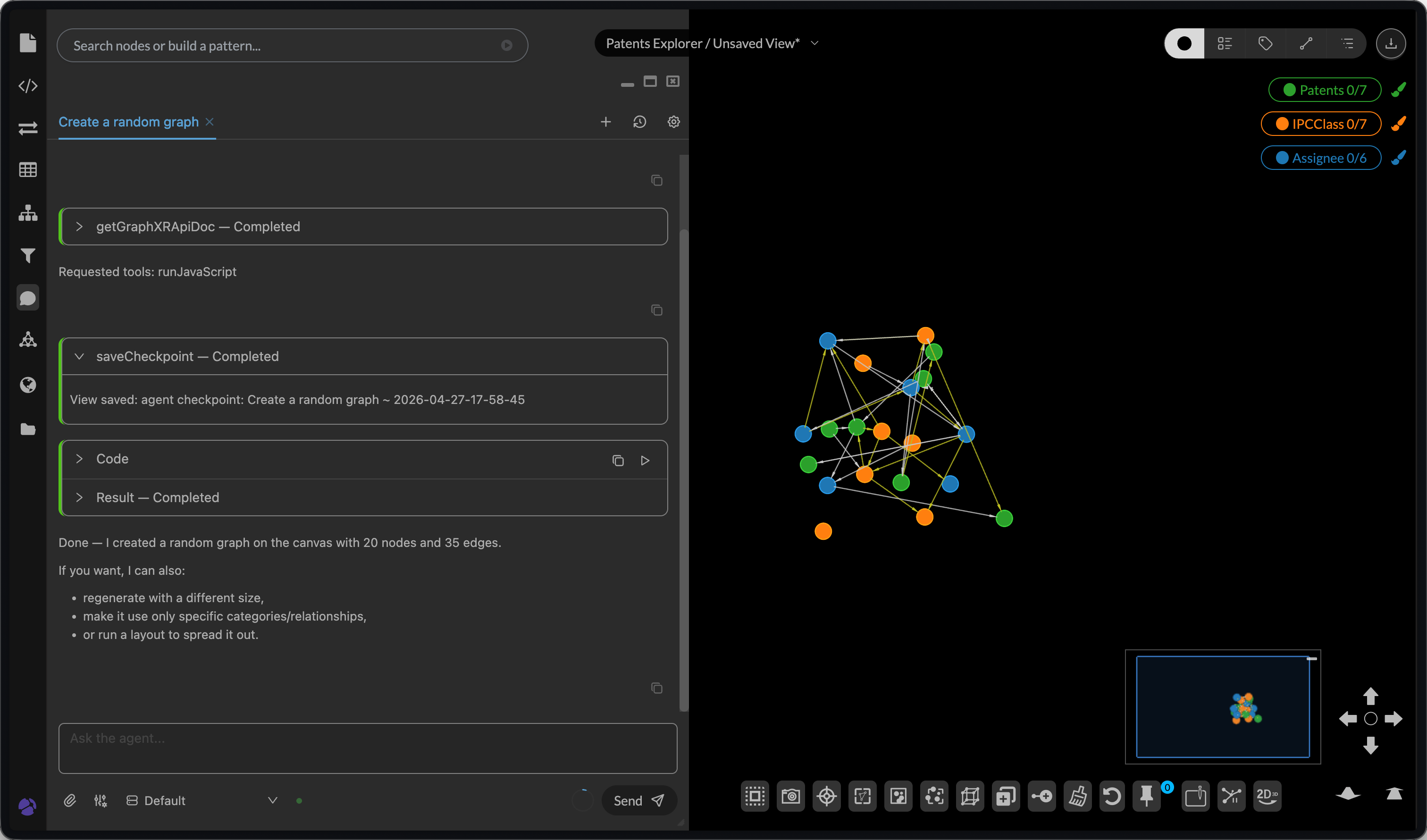
I am proud to announce the beta release of GraphXR Agent on graphxr.kineviz.com. Try it out.
GraphXR Agent is a built-in AI assistant for working with graph data in GraphXR. Use it to turn natural-language questions and instructions into guided graph exploration, data preparation, and analysis steps.
Using GraphXR Agent with prompt “Create a random graph”
You can access it in any project on graphxr.kineviz.com. I recommend starting with the Patents Explorer sandbox.
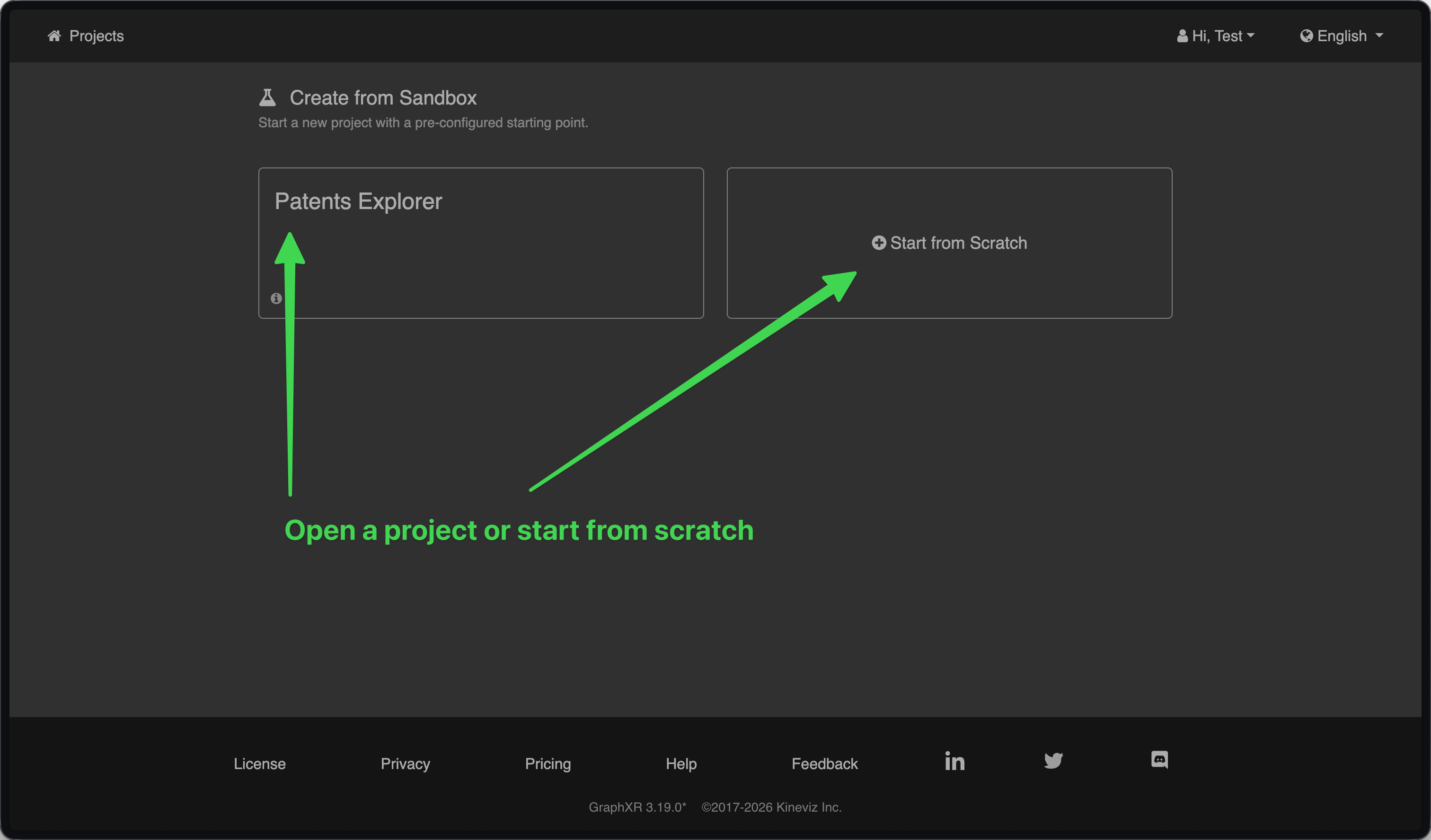 1. Open a project or start from scratch
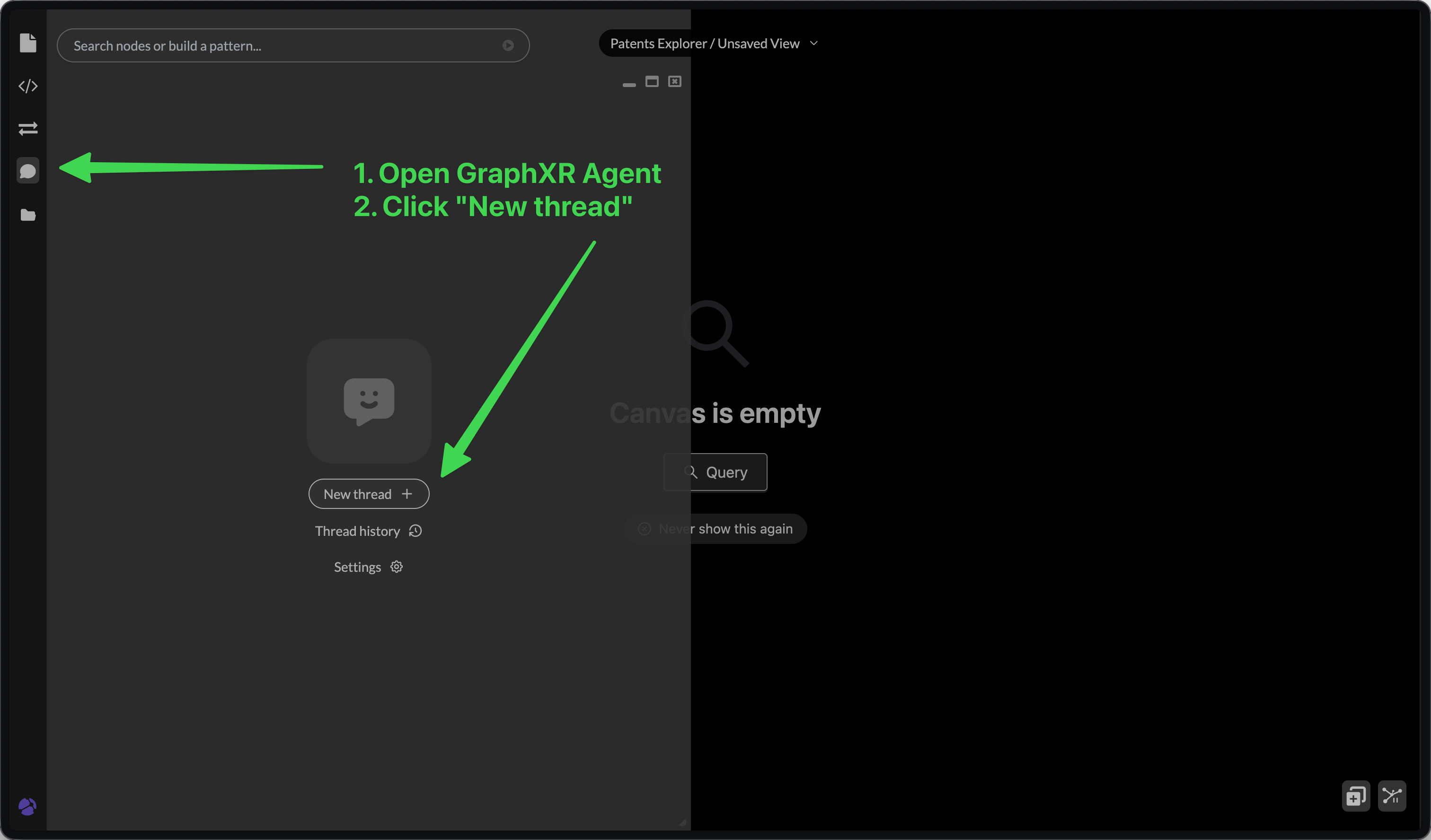 Open GraphXR Agent. Click “New thread”
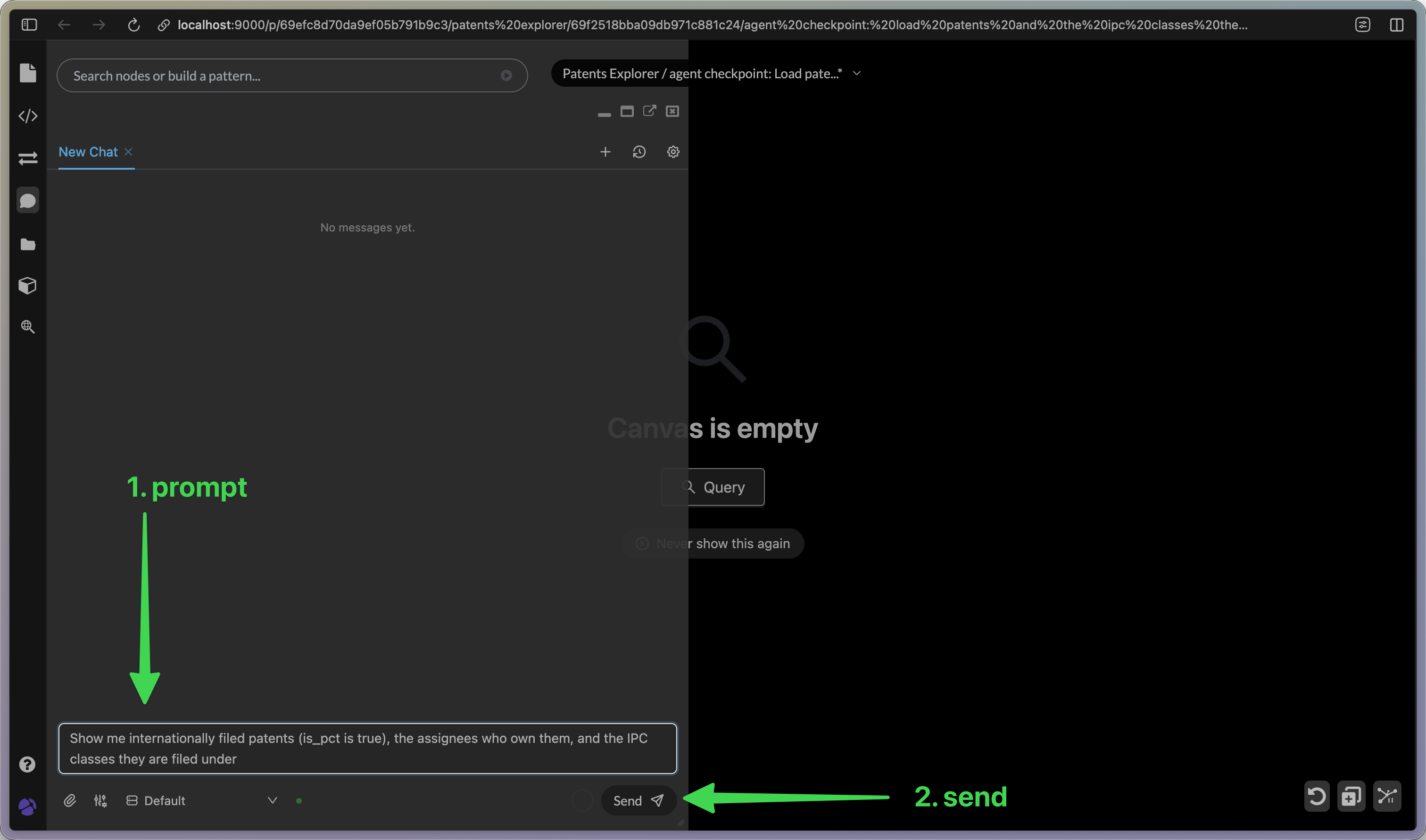 1. prompt 2. send
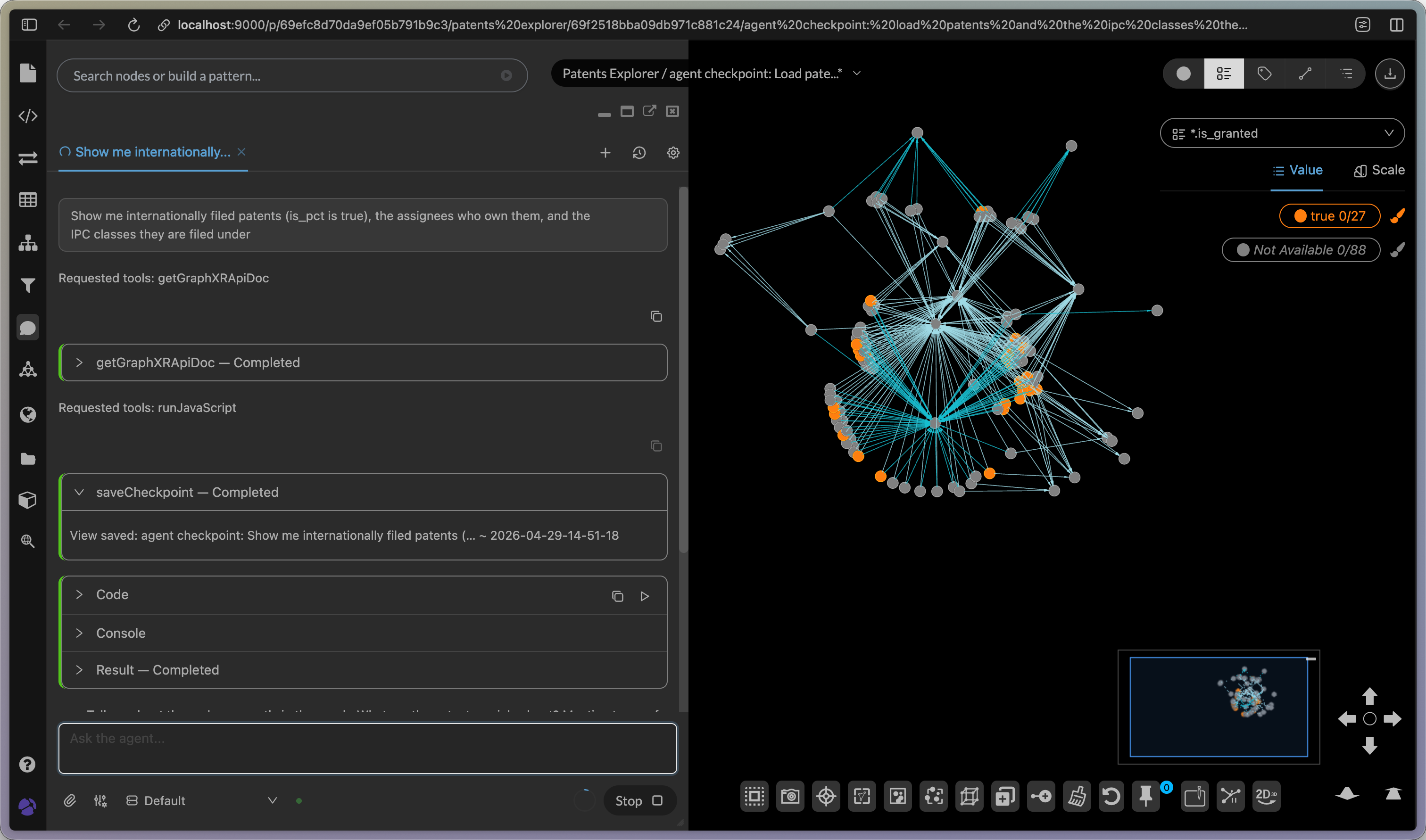 Wait for a result. Results may vary.
New users on graphxr.kineviz.com get a small amount of free credits to try GraphXR Agent.
Contact us at kineviz.com/contact